
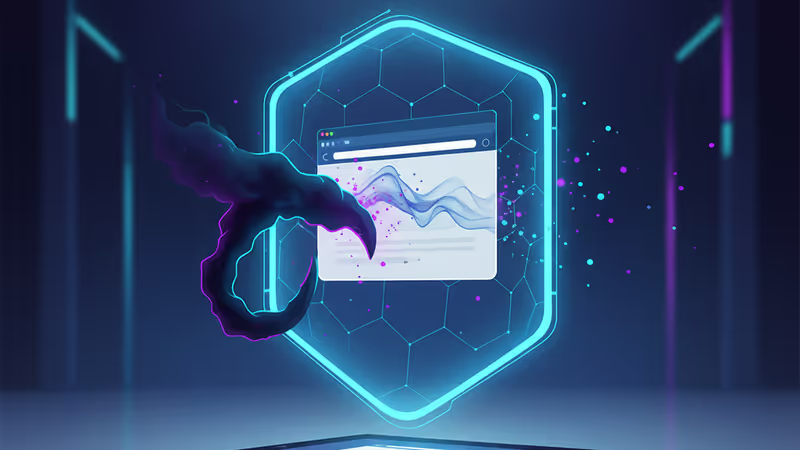
1Password Phishing Prevention Feature 2026: Defending Against $4.8 Million Cyber Threats
1Password introduces a new phishing prevention feature to mitigate the $4.8M average cost of data breaches. Learn how it uses URL detection to block malicious logins.
A single successful phishing attack can drain a business of $4.8 million on average, according to research from IBM. To combat this growing threat, 1Password is rolling out a sophisticated phishing prevention feature within its browser extension to stop attacks before they start.
How the 1Password Phishing Prevention Feature Protects Your Data
The new feature acts as a vigilant watchdog, constantly monitoring for telltale signs of a malicious site. When a user navigates to a URL that doesn't perfectly match the one stored in their 1Password vault—such as a common misspelling or a look-alike domain—the extension takes immediate action.

Two-Step Defensive Action
- Autofill Blockage: The extension won't automatically fill in login credentials if the site identity is suspect, preventing accidental data leaks.
- Warning Pop-ups: A clear warning appears, alerting the user that the current website's URL is inconsistent with their saved login details.
Authors
Related Articles
IBM has unveiled 'nanostack,' the world's first sub-1nm (0.7nm) chip research. Some say it adds a decade to Moore's Law; others say a lab demo is a long way from a fab. Either way, mass production isn't IBM's job.
A critical vulnerability in Starlette—downloaded 325 million times per week—puts millions of AI agent servers at risk, exposing stored credentials for email, databases, and third-party services.

GitHub confirmed hackers stole data from 3,800 internal repositories via a poisoned VS Code extension. Here's why developer tools are now the most dangerous attack surface in tech.
A Utah woman was sentenced to life in prison partly because of her Google searches and deleted texts. The Kouri Richins case reveals how digital footprints have become the courtroom's most reliable witness.
IBM has unveiled 'nanostack,' the world's first sub-1nm (0.7nm) chip research. Some say it adds a decade to Moore's Law; others say a lab demo is a long way from a fab. Either way, mass production isn't IBM's job.
A critical vulnerability in Starlette—downloaded 325 million times per week—puts millions of AI agent servers at risk, exposing stored credentials for email, databases, and third-party services.
GitHub confirmed hackers stole data from 3,800 internal repositories via a poisoned VS Code extension. Here's why developer tools are now the most dangerous attack surface in tech.
A Utah woman was sentenced to life in prison partly because of her Google searches and deleted texts. The Kouri Richins case reveals how digital footprints have become the courtroom's most reliable witness.
Thoughts
Share your thoughts on this article
Sign in to join the conversation