
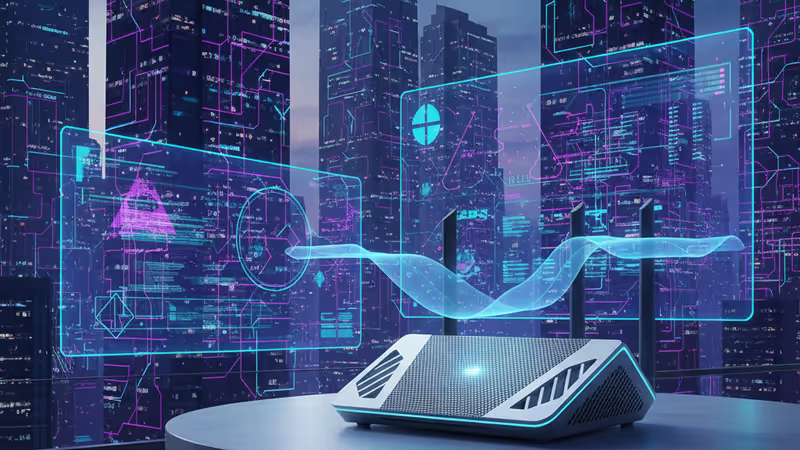
The Ultimate Wi-Fi Connectivity Fix Guide 2026: Say Goodbye to Lag
Fix your internet issues with the Wi-Fi Connectivity Fix Guide 2026. Learn about router placement, cable upgrades, and Wi-Fi 7 settings to stabilize your home network.
It's 2026, and yet, your home Wi-Fi still decides to quit right in the middle of a crucial AI-powered video call. Whether it's a specific device that keeps dropping or a general slowdown across the house, networking issues remain the ultimate modern headache. But before you throw your router out the window, there are several professional-grade fixes you can try to stabilize your connection.
Essential Wi-Fi Connectivity Fix Guide 2026: Back to Basics
The classic advice to 'turn it off and on again' remains the gold standard for a reason. A proper power cycle flushes out temporary software bugs and clears the cache. Unplug your modem and Wi-Fi router, wait for at least 30 seconds, and plug them back in. If only one device is struggling, power cycle that specific gadget as well.

Strategic Placement and Signal Interference
Your router isn't home decor, but its location is critical. It broadcasts signals in all directions, so the center of your home—ideally on a high shelf—is the best spot. Avoid placing it near large metal objects, concrete walls, or interference magnets like microwaves and baby monitors. For those in dense apartments, using a Wi-Fi analyzer app like Netspot can help you identify less crowded channels to reduce neighbor interference.
Managing Bandwidth Hogs and Modern Standards
Intermittent lag is often caused by a single device eating all the bandwidth. 4K security cameras or background game updates are common culprits. Furthermore, while Wi-Fi 7 features like MLO (Multi-Link Operation) promise incredible speeds by using multiple bands simultaneously, they can sometimes confuse older legacy devices. If your network feels unstable, try disabling MLO or creating a dedicated IoT network for your smart home gadgets.
Authors
Related Articles
Comprehensive guide to the best Wi-Fi 7 mesh router recommendations in 2026. Comparing Netgear Orbi 770, Asus ZenWiFi BT10, and more on speed, coverage, and costs.

Samsung Electronics' union branch revealed that 84% of survey respondents oppose the government's roughly $290 billion (₩400 trillion) semiconductor megaproject in Gwangju. Government, management, the union and shareholders are all reading the same national project in sharply different ways.
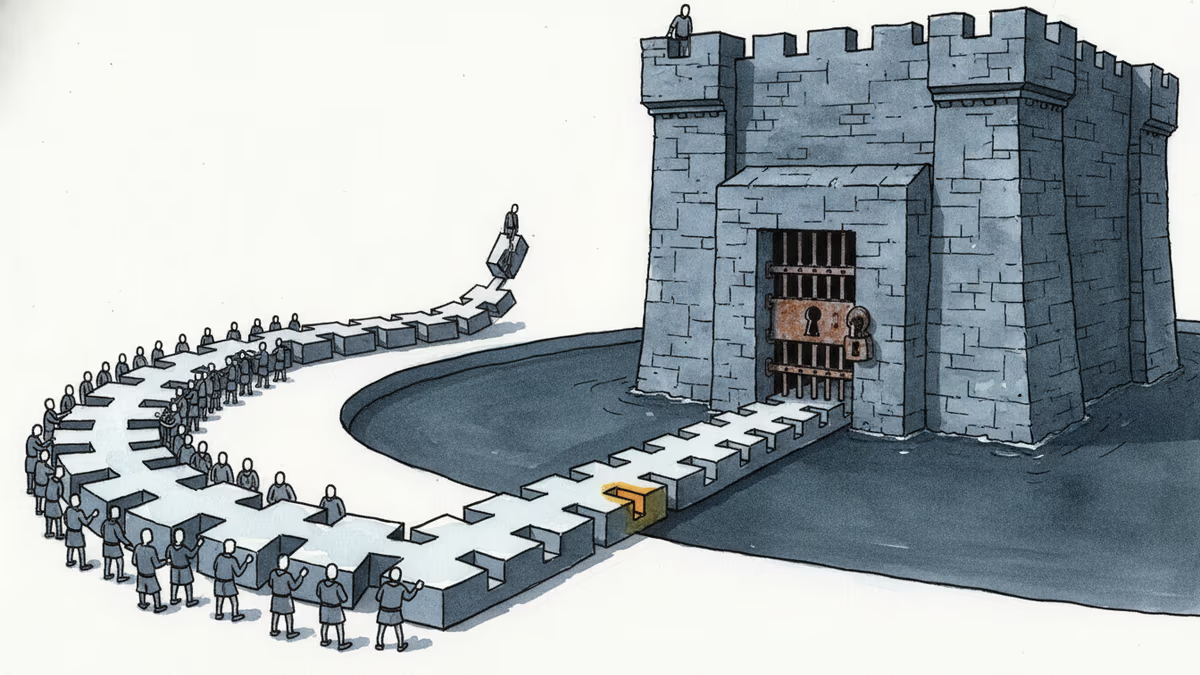
Nvidia shipped roughly a billion RISC-V cores in 2024, then announced it would run CUDA on the open standard. We break down how royalty-free instruction sets and open software stacks are trying to route around CUDA's lock-in. Part 2 of the Semiconductor Sovereignty series.
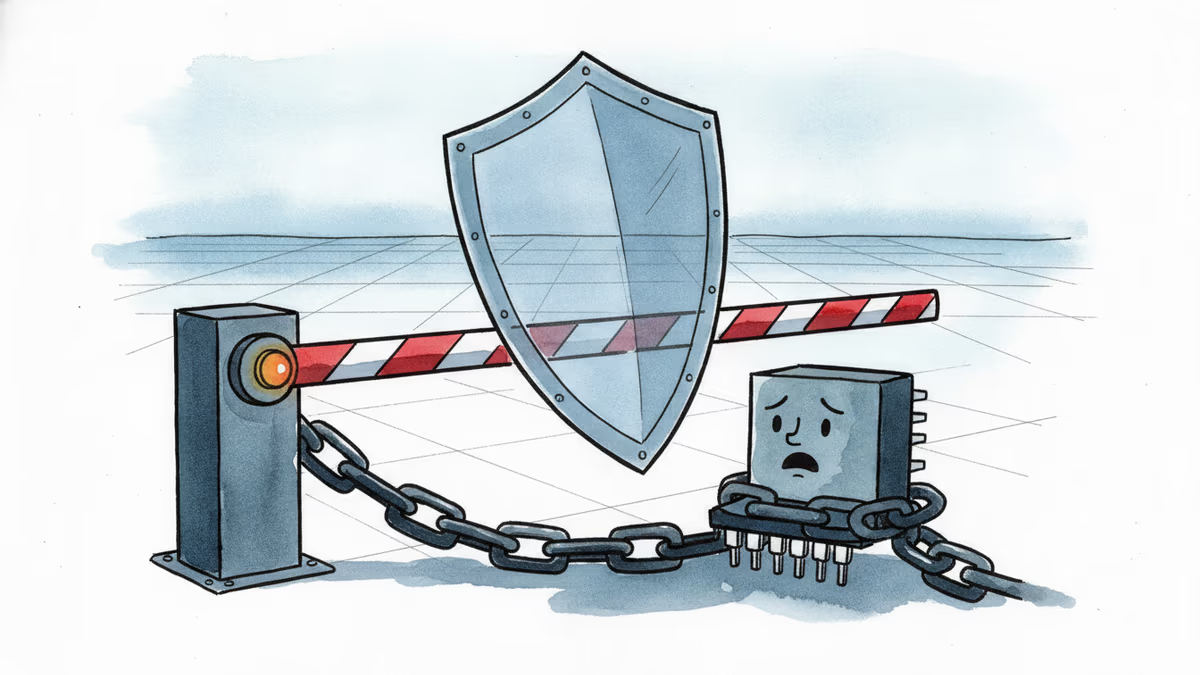
US AI-chip export controls split into three layers in the first half of 2026 — January easing, a May crackdown on circumvention, and a pending bill. Nvidia erased China from its guidance and still posted a record $81.6 billion quarter. A look at the export policy that both shields and cages it.
Comprehensive guide to the best Wi-Fi 7 mesh router recommendations in 2026. Comparing Netgear Orbi 770, Asus ZenWiFi BT10, and more on speed, coverage, and costs.
Samsung Electronics' union branch revealed that 84% of survey respondents oppose the government's roughly $290 billion (₩400 trillion) semiconductor megaproject in Gwangju. Government, management, the union and shareholders are all reading the same national project in sharply different ways.
Nvidia shipped roughly a billion RISC-V cores in 2024, then announced it would run CUDA on the open standard. We break down how royalty-free instruction sets and open software stacks are trying to route around CUDA's lock-in. Part 2 of the Semiconductor Sovereignty series.
US AI-chip export controls split into three layers in the first half of 2026 — January easing, a May crackdown on circumvention, and a pending bill. Nvidia erased China from its guidance and still posted a record $81.6 billion quarter. A look at the export policy that both shields and cages it.
Thoughts
Share your thoughts on this article
Sign in to join the conversation